
Send mail how and when you want to.
Automating your mailings by moving them online is almost always a win, saving you hours of manual labor, and costs for supplies, equipment, and postage. But not all online mail services are created equal. If the service limits how you can print, address, schedule, mail, or pay for your jobs, you may be trading one problem for another.
Some low-cost services prioritize simplicity and price and only provide bare-bones mailing options. But many people and businesses need quite a bit of flexibility to send their mailings, and budget-focused platforms don’t provide the options they need to send things the way they have or want to.
When evaluating an automated mailing service, don’t just compare prices. Consider six things: format, printing, addressing, delivery, scheduling, and payment. Read on to learn about your mailing options through Postalocity or dive right in and create your account to get started at prod.postalocity.com.
Pick your mail type.
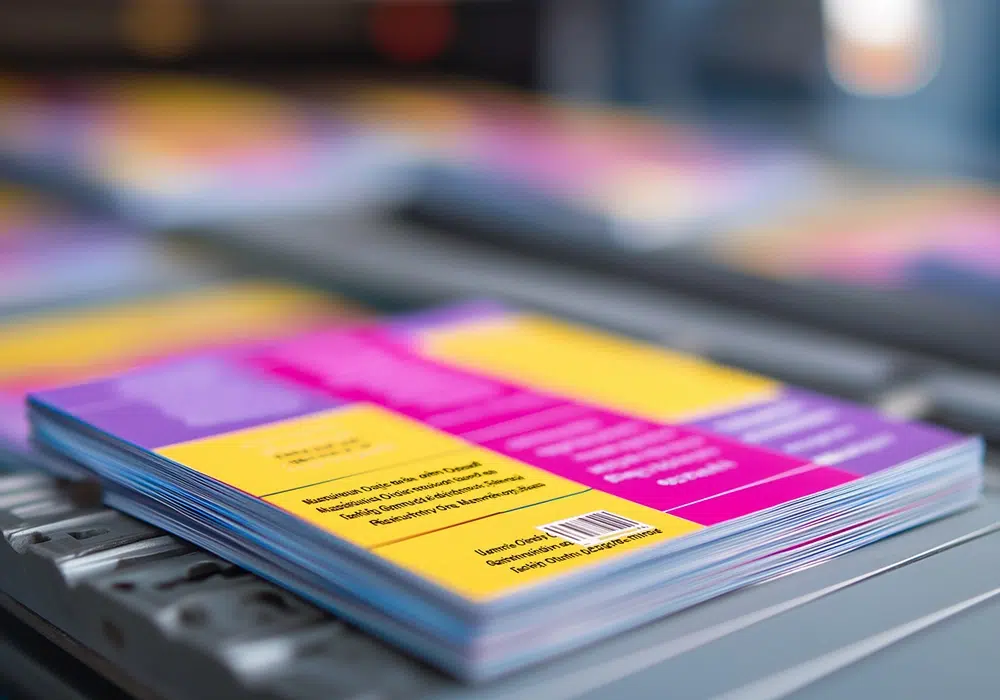
One of the very first things you do when you login to your Postalocity is identify what type of mail you want to send. Postalocity offers you the option between letter-sized or legal-sized documents and two standard postcard sizes, so that you can use the same platform for both types of mail instead of using different platforms for different types of mailings.
Pick your printing options.
In addition to selecting your document size and type, you can choose to print your document in black and white for a more cost-effective mailing, or if there is information that needs to be printed in color, you can print in color too! You also have the option to print single-sided, or double-sided (also known as duplexed) if you have a document that is multiple pages and you want to cut down on the pieces of paper you’re sending. Need to ensure people notice each page of the document you’re sending? Then printing single-sided might be your best option.
Postalocity even lets you include inserts with your mailing as part of the job! There’s no need (or reason!) to have to send a separate job through if you want to include an insert and then hope that it gets included with your original mailing.
Pick how you want to assign mailing addresses.
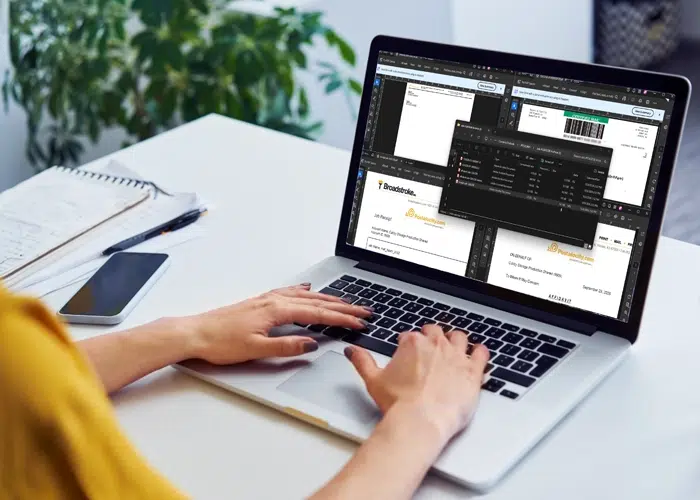
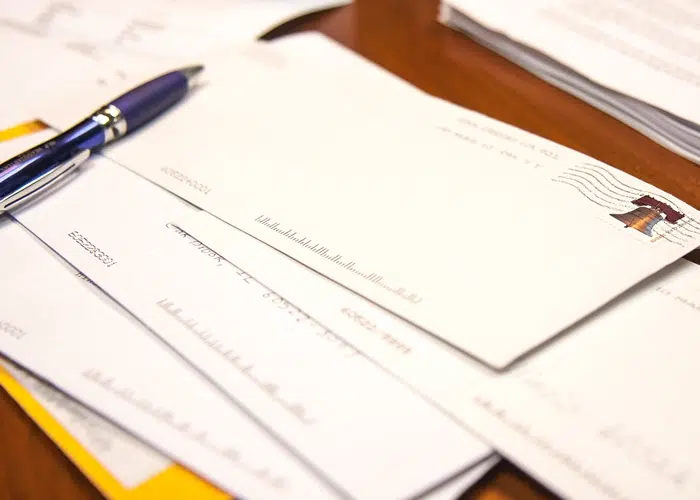
Did you know that you can send mailings without having to upload a separate list? Postalocity can detect mailing blocks on documents and generate envelopes with your addressee’s mailing information printed on them. This can be incredibly helpful because then you don’t have to worry about a list matching up correctly to merged documents, ensuring the right information gets to its intended recipients.
While the platform is very good at automatically detecting address blocks, if it doesn’t pick up the correct information, you still have the capability to move the block to capture the correct mailing information. This means you don’t have to upload a list if the system doesn’t detect the correct information on its own.
Many documents and most postcard artwork don’t include address block information. In these cases, or if you just prefer using a list, you can upload a list and Postalocity will generate your mailing that way too.
Pick your mailing options.
Postalocity’s default mailing option is First Class mail, which is the way most mailing platforms send mail. But unlike some other platforms, you have other mailing options available with Postalocity. If you simply need proof of mailing, you can request a Certificate of Mailing on your First Class mailing.
If you need documentation showing your mailing was sent, and require a signature upon receipt, you can upgrade your First Class mailing to a certified mailing with a simple click. Postalocity will provide you with the information electronically, including tracking, so you have it for your records.
Need to get your mail delivered in a hurry? You also have the option in Postalocity to upgrade your mailing to Priority and get it to its destination sooner. Tracking information for Priority mailings is also provided electronically to keep you aware of the status of your mail.
Pick your mail date.
When you manually send mailings, or use some of the other mailing platforms, your mailing goes to the post office the same day. This works well when you want your mailing to go out as soon as possible. But what if you want to get your mailing prepped and you can’t or don’t want to send it right away?
Postalocity lets you schedule mailings up to 60 days out from the day you approve your job! This is a great feature for businesses or government officials who want to get mailings prepared in advance while still ensuring that a mailing isn’t sent before the appropriate date.
It’s also a great feature if you’re planning on doing a direct mail campaign. Instead of logging into Postalocity each time you want to send a postcard or letter, you can upload, review, SCHEDULE, and approve each mailing to plan to send in a single login session.
Pick your payment option.
The ease and convenience of paying by credit card is nice, making credit cards a popular payment option, but Postalocity also supports PayPal, ACH, wire transfers, checks, money orders, and cashier’s checks. That flexibility can be particularly useful for organizations with specific payment or procurement requirements.
Payment is due at the time that you approve your job for mailing, so we recommend planning accordingly if you choose a payment option like ACH, check, money order, or cashier’s check that takes several days to post to your Postalocity account to ensure you have funds available in your meter.
Summary
Automation shouldn’t mean giving up control. The right mailing platform should save you time while still giving you choices about format, printing, addressing, delivery, scheduling, and payment.
Get started now at https://prod.postalocity.com/